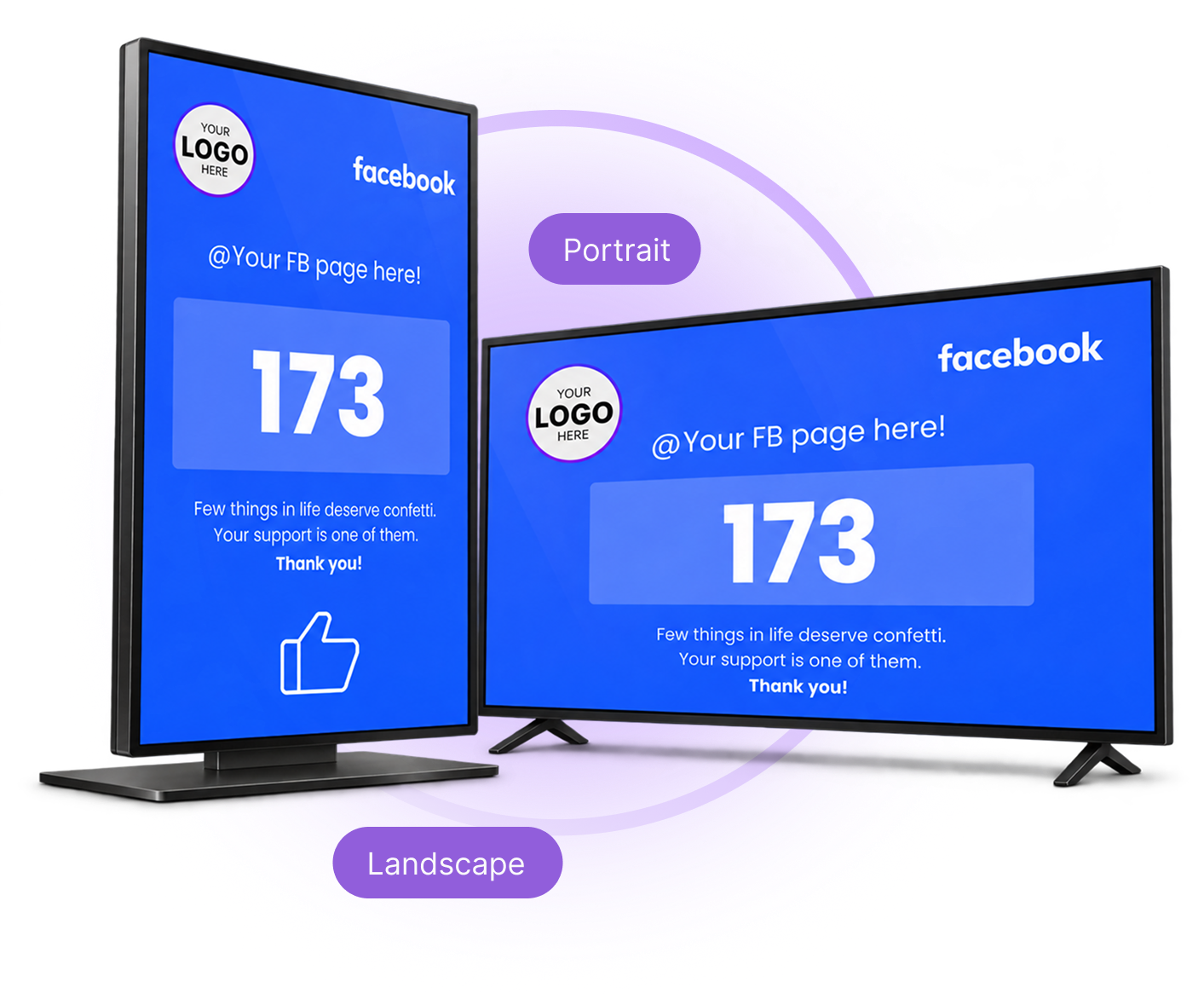
Facebook Like Counter
Show Your Facebook Likes In-Store.
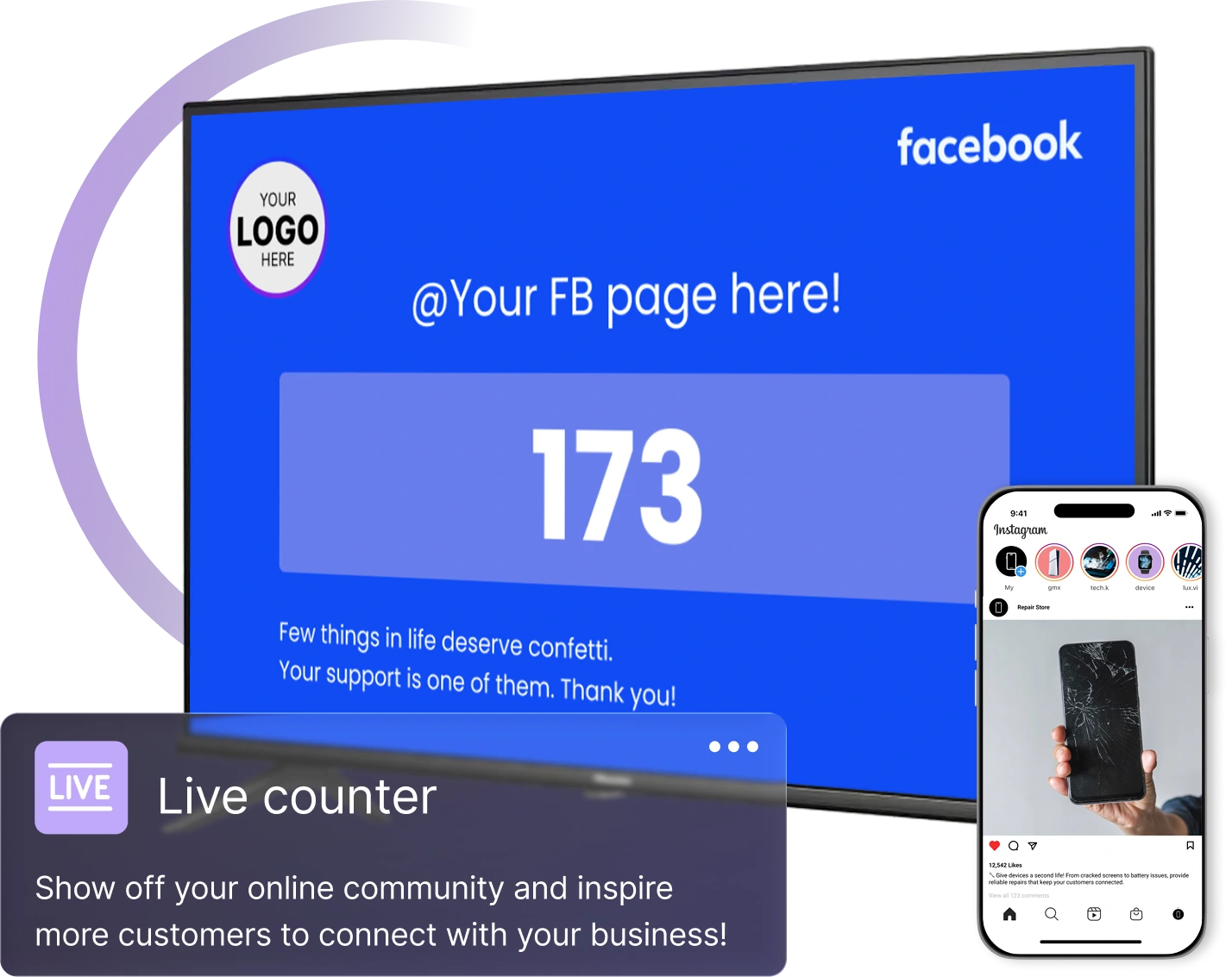
Display your Facebook Page like count on in-store screens and invite customers to connect online.
In-Store Social Media
Bring Your Social Presence In-Store.
Introduce customers to your Facebook Page while they visit your store.
Stay connected
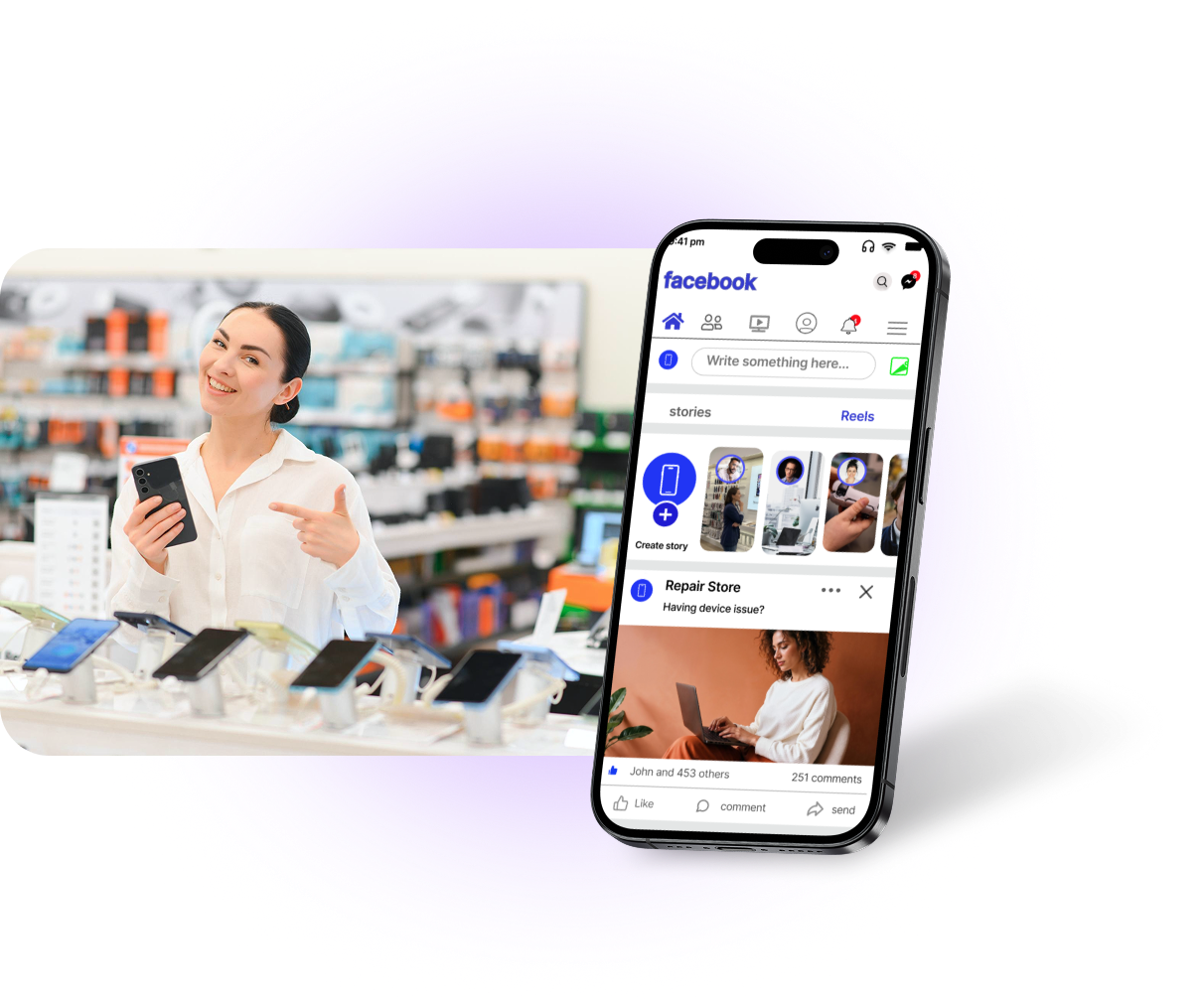
Keep Customers Connected.
Invite customers to follow your Page for updates after their visit.
Use AdCentral Social Media to schedule posts for your connected accounts.
Easy Setup
Connect Your Page in Four Steps.
Link your Facebook Page and assign its counter to an in-store display.
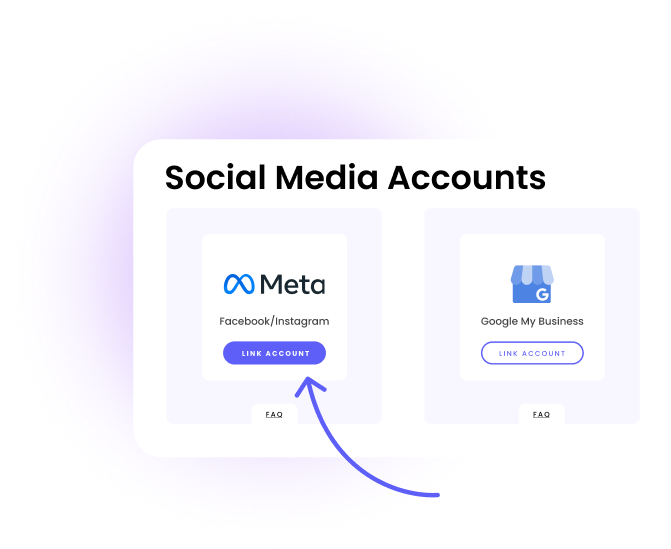
Step 1
Open AdCentral
In Social Media Accounts, select “Link Account” under Meta.

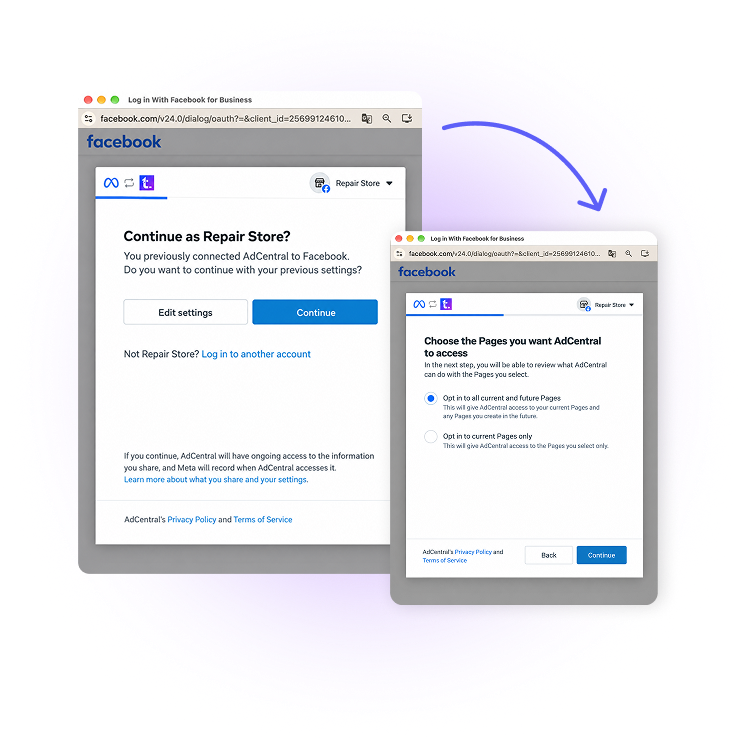
Step 2
Connect Facebook
Sign in to the account that manages your Page and approve access.

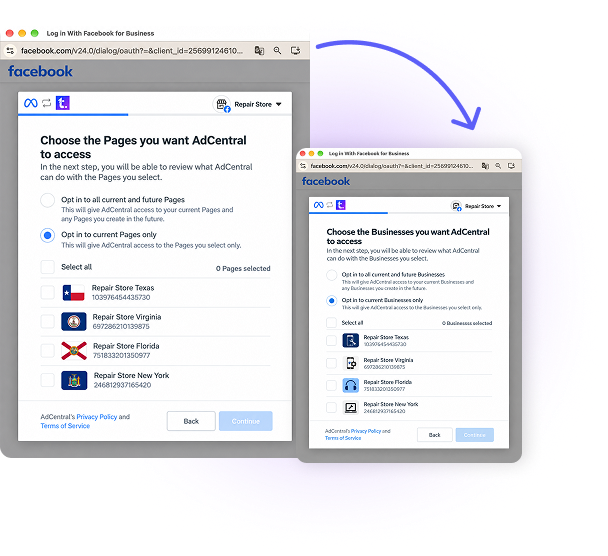
Step 3
Choose Your Page
Select the business Facebook Page to display.
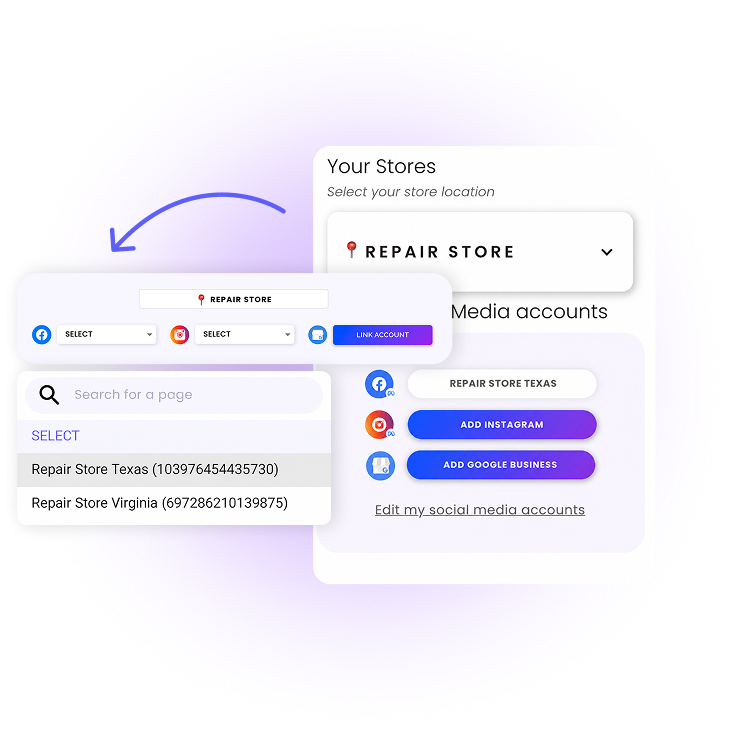
Final Step
Assign the Live Counter
Assign the Live Counter to your preferred TV in Social Media Accounts.
Supported Displays
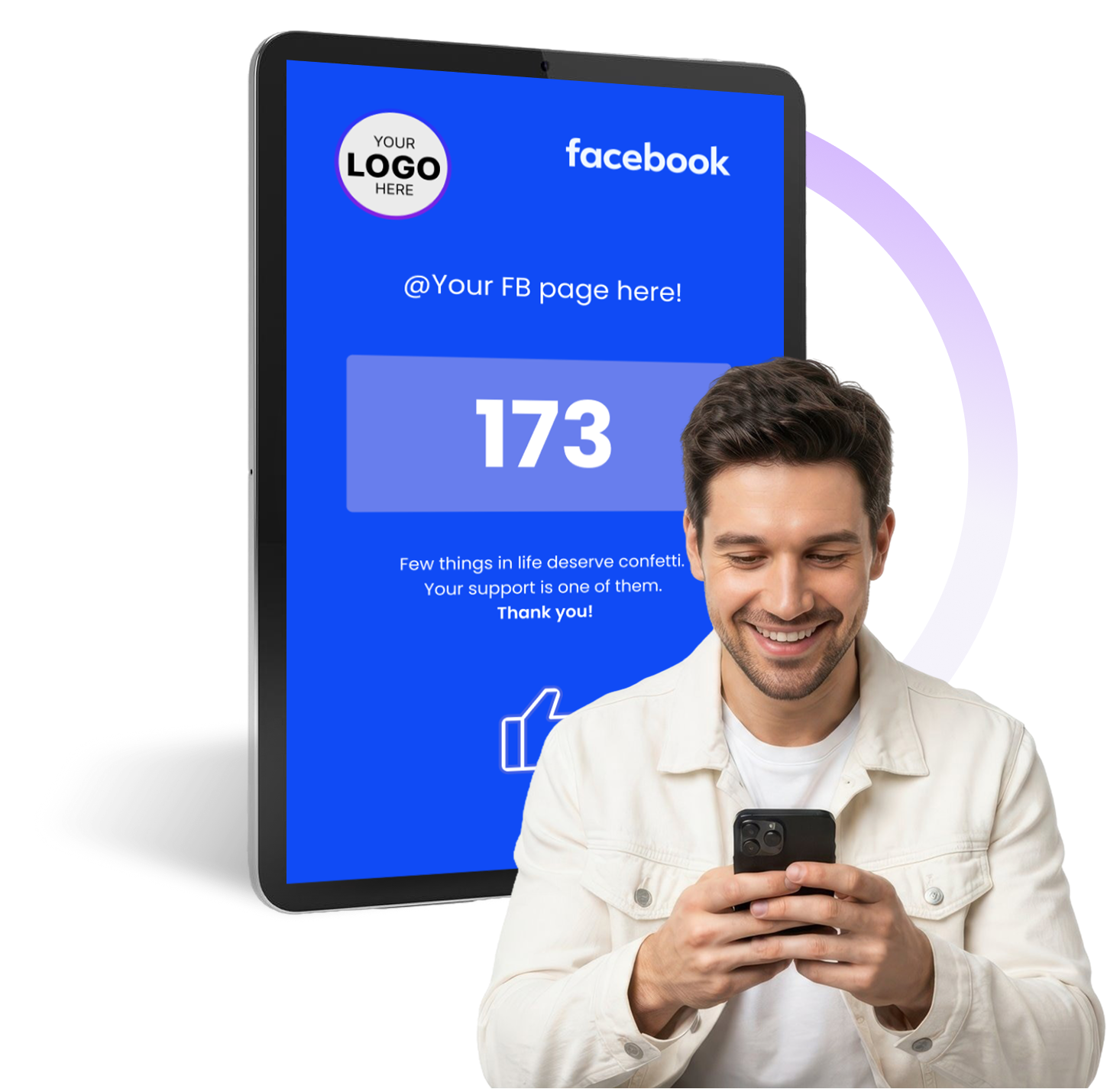
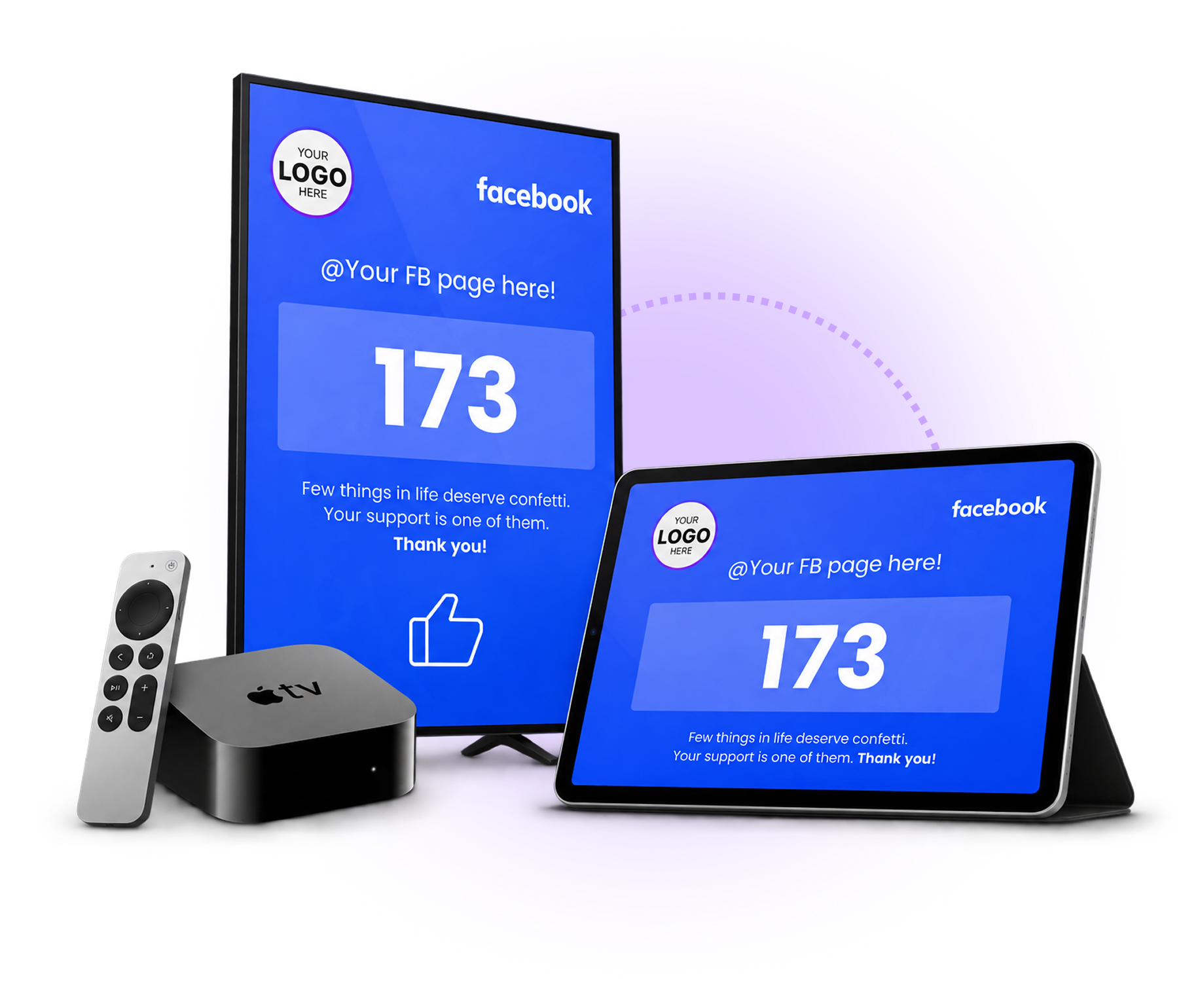
Display It on a TV or Tablet.
Show your Facebook like count on a supported TV or tablet.
Screen Orientation
Fit Your Counter to Any Layout.
Choose landscape or portrait to match your display.