Manage Multiple Locations
Control screens across one store or multiple locations from a single account.
AdCentral TV
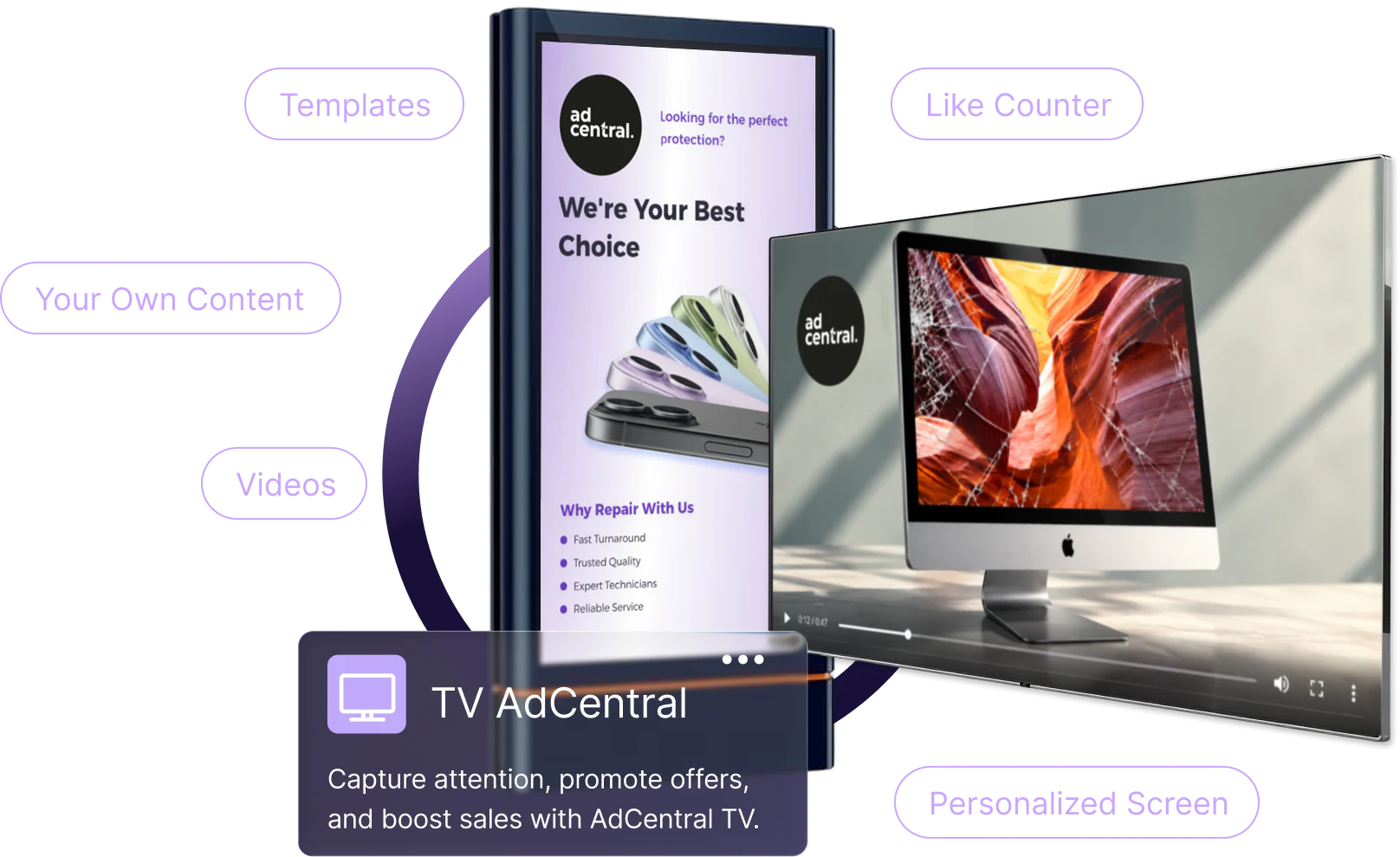
Display promotions with ready-made videos and customizable templates. Manage your screens across locations from one place.
Screen Management
Connect your displays, organize content loops, and control what plays at each location.
Control screens across one store or multiple locations from a single account.
Pair supported TV devices using a six-digit code and assign content to each screen.
Create content sequences for individual screens or share the same loop across displays.
Content Library
Choose from professionally produced videos and editable templates for your business.
Templates Videos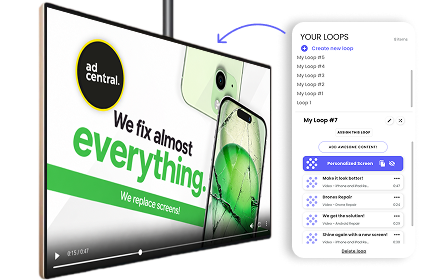
Showcase your products and services with ready-made promotional videos.

Customize text, colors, and pricing to match your brand.
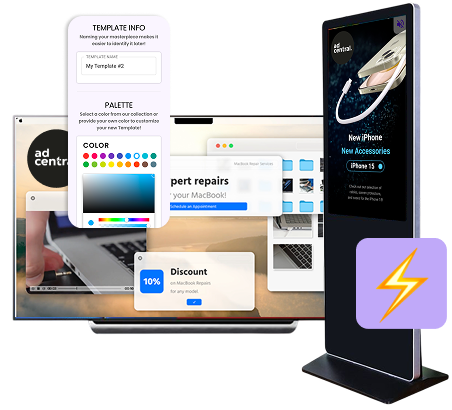
Bring promotions to life with customizable animated designs.
Supported Devices
Install AdCentral TV on compatible Apple TV, Android TV, or Fire TV devices and manage your content remotely.
Learn more
Explore ready-made content, your own image uploads, screen personalization, and the devices you can connect.