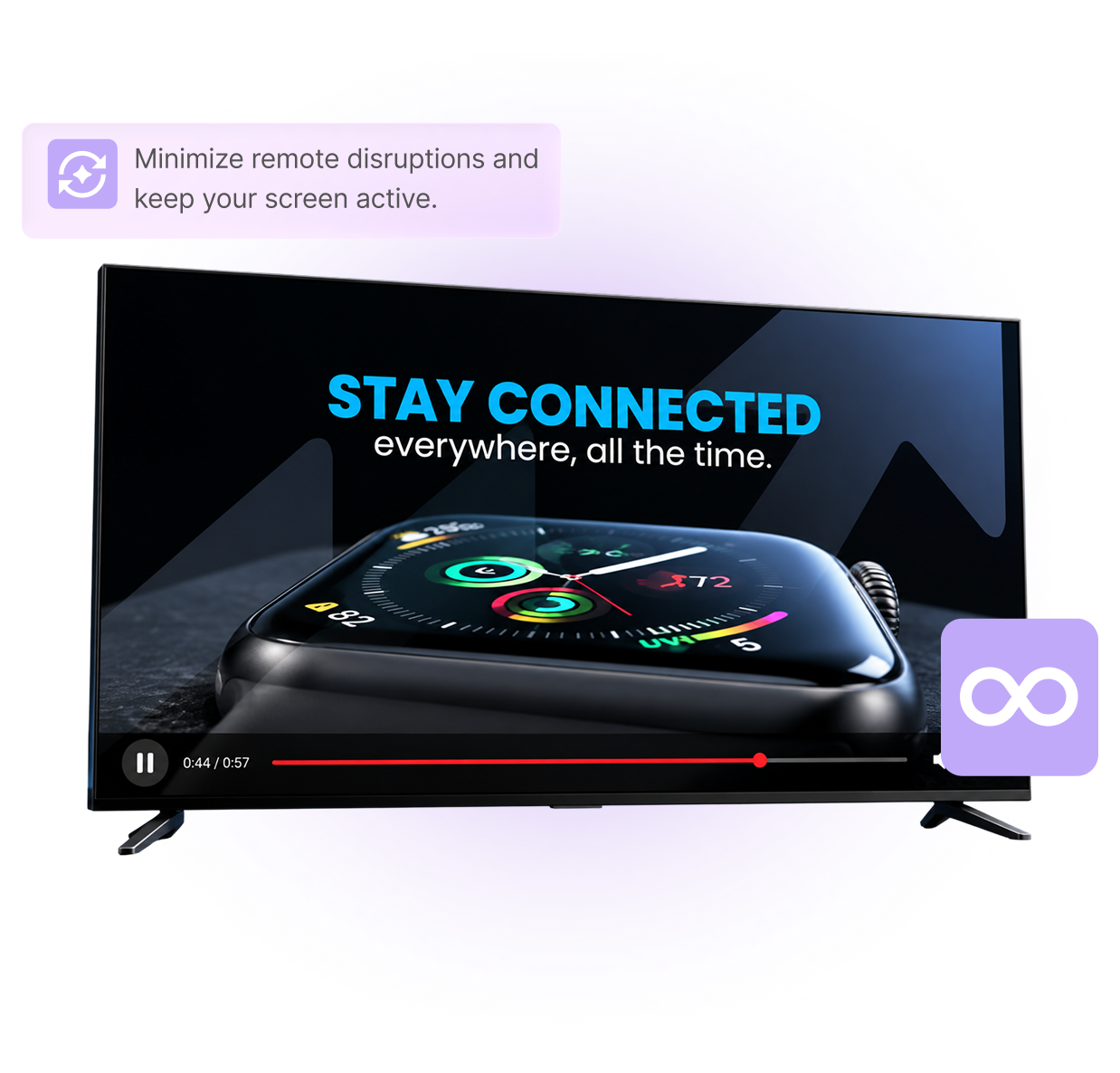
Sticky Mode
Keep Your Content Playing.
Help prevent accidental remote-control interruptions during playback.
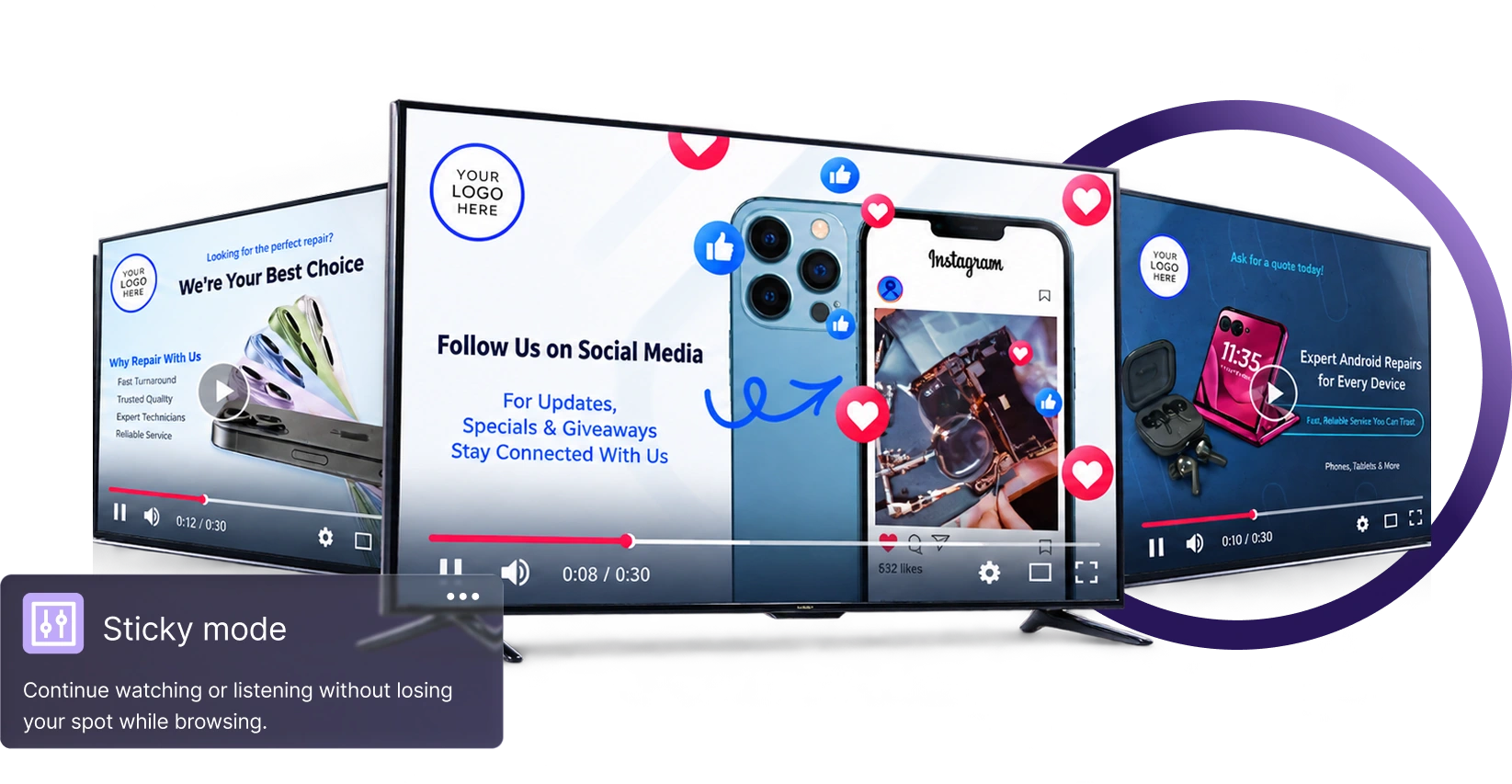
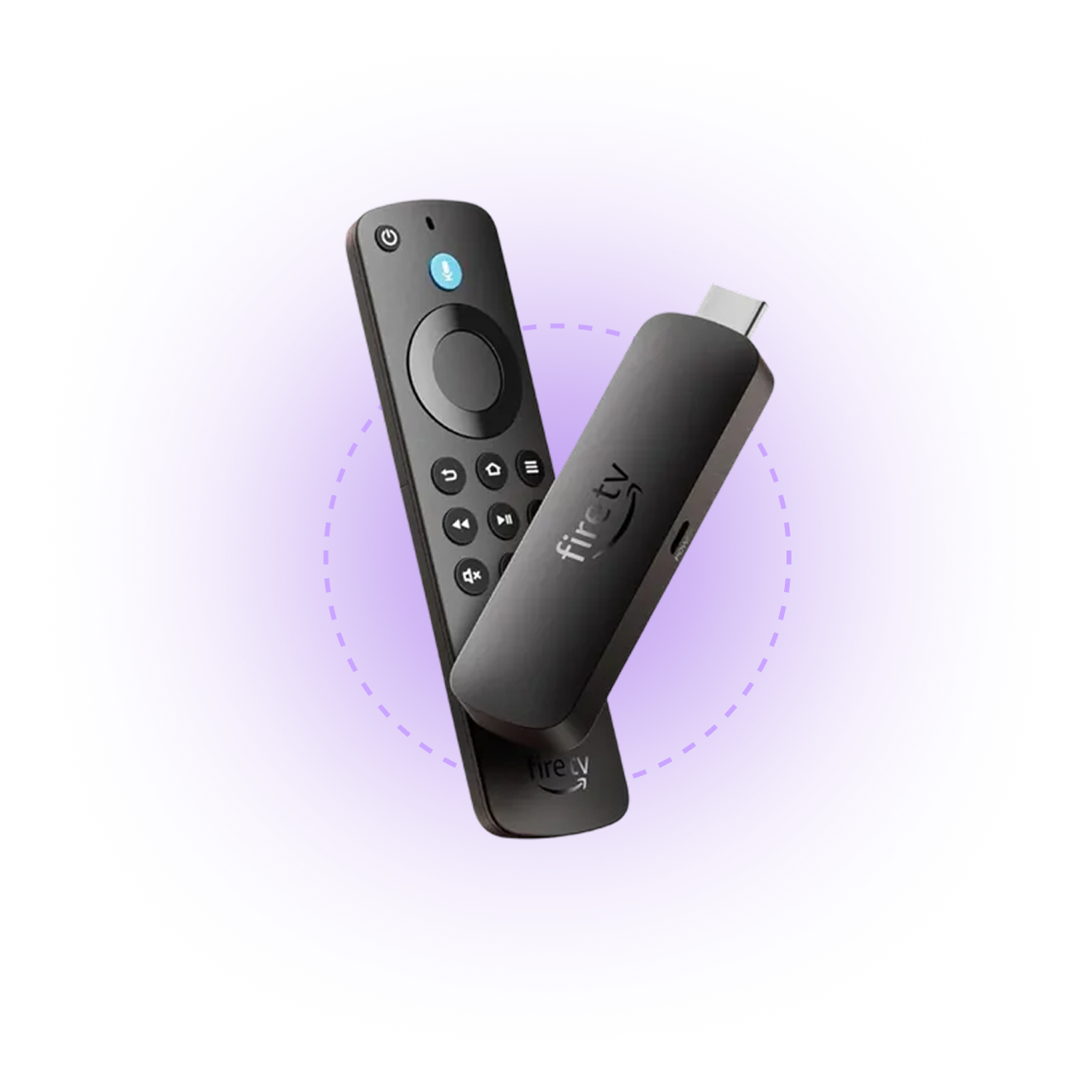
Supported Devices
Available for Android TV and Fire TV.
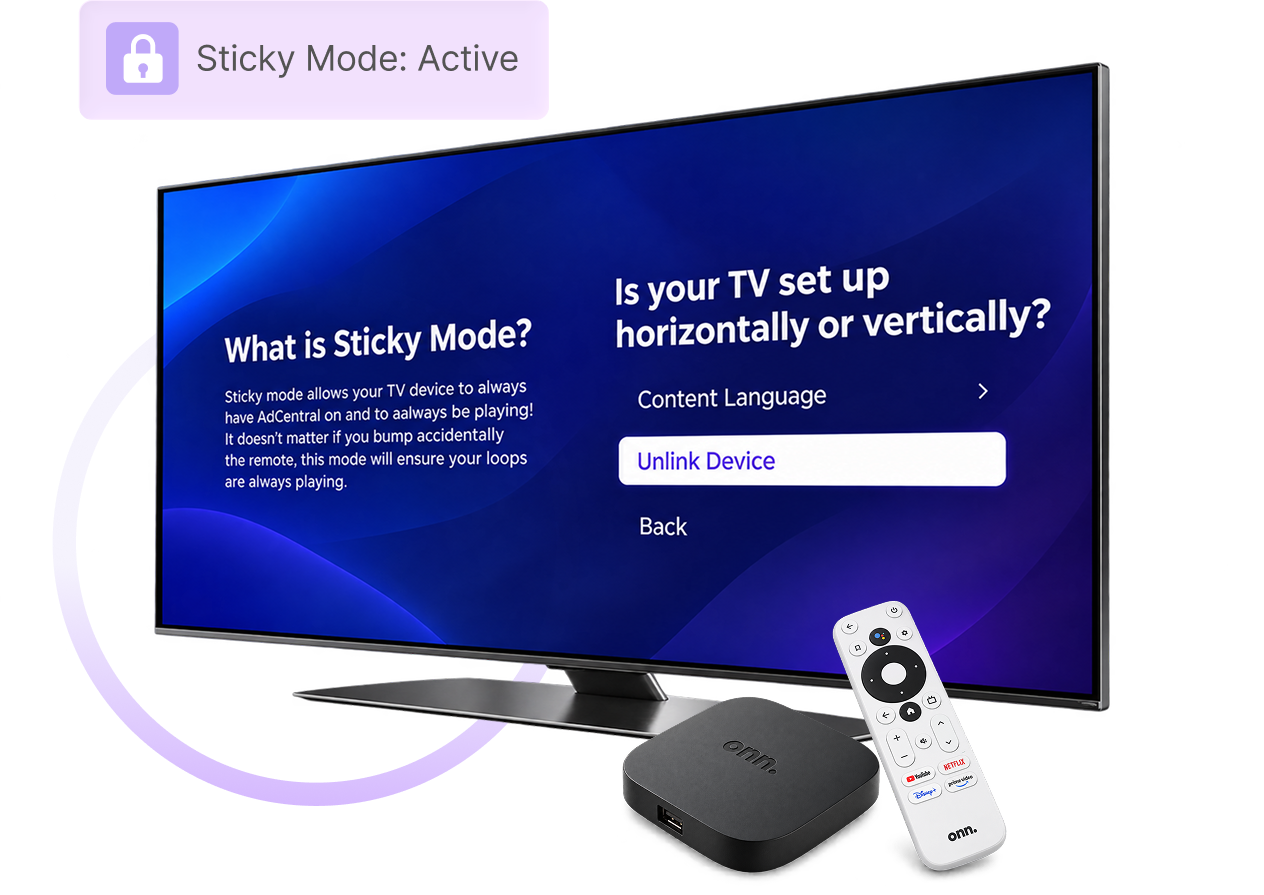
Easy Setup
Enable Sticky Mode in Settings.
Open AdCentral TV Settings and activate Sticky Mode.
Playback Protection
Fewer Interruptions. More Screen Time.
Reduce playback interruptions caused by accidental remote-button presses.